Built by WebbyCrown Solutions — Need setup, customization, or integration help? Talk to our team.



AI Blog & WooCommerce Buying Guide Generator for WordPress
AI Blog & WooCommerce Buying Guide Generator is a WordPress AI content generator that turns keyword queues and WooCommerce product data into structured blog posts, product buying guides, comparison content, FAQs, SEO metadata, schema markup, and optional AI-generated images. Configure your AI provider, select draft, pending, or publish status, then generate content manually or through a scheduled publishing workflow. WooCommerce features activate when WooCommerce is installed and active.


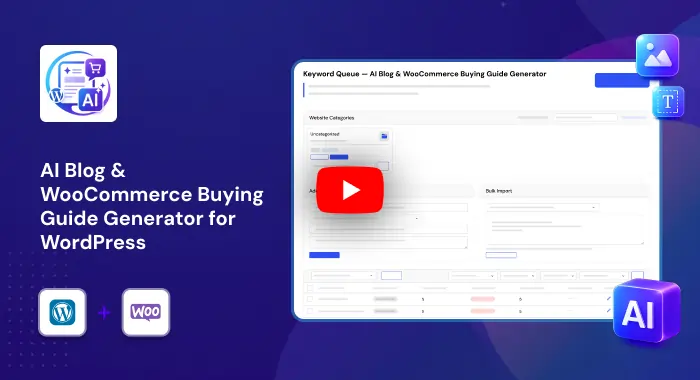
What Is AI Blog & WooCommerce Buying Guide Generator?
Publishing useful blogs and product buying guides takes time. Store owners and content teams need to choose topics, research keywords, create outlines, write sections, add FAQs, prepare metadata, create images, assign categories, and publish consistently. This becomes harder when a WooCommerce store has many products and categories that could support useful buying-guide content.
AI Blog & WooCommerce Buying Guide Generator adds a structured content-generation workflow inside WordPress. It uses a keyword queue, configurable AI providers, multi-step article generation, publishing controls, SEO plugin integration, schema markup, image generation, and WooCommerce product context to help teams create and manage blog content from one dashboard.
The plugin is designed to support content production and publishing workflows. It does not guarantee rankings, traffic, AI citations, factual accuracy, legal compliance, or product suitability. Review, fact-check, and edit generated content before publishing, especially for product claims, pricing, regulated topics, and customer-facing recommendations.
Key Benefits

Keyword Queue Content Planning
Create a prioritized list of target keywords, assign categories and priority levels, track statuses, and generate content in a controlled publishing order.

WooCommerce Buying Guides
Use WooCommerce product names, descriptions, attributes, categories, and keywords as context for product-focused blogs and buying guides.

Structured Multi-Step Generation
Generate article plans, opening sections, content blocks, FAQs, conclusions, metadata, and schema through a staged content workflow.

Flexible Publishing Control
Choose draft, pending, or publish status and use manual generation or scheduled daily publishing based on your review process.

SEO Metadata & Schema Support
Generate SEO titles, meta descriptions, focus keywords, and JSON-LD schema markup for WordPress posts.

AI Featured Images
Create optional AI-generated featured images and inline content images through configured AI image providers.

Multiple AI Provider Support
Connect OpenAI, Anthropic, or Google AI providers directly and configure model, temperature, token limits, and system prompts.

WordPress-Native Content Management
Save generated content as WordPress posts, edit it in Gutenberg-compatible blocks, assign categories, select authors, and review generation logs.
Modules & Features
Keyword Queue Manager
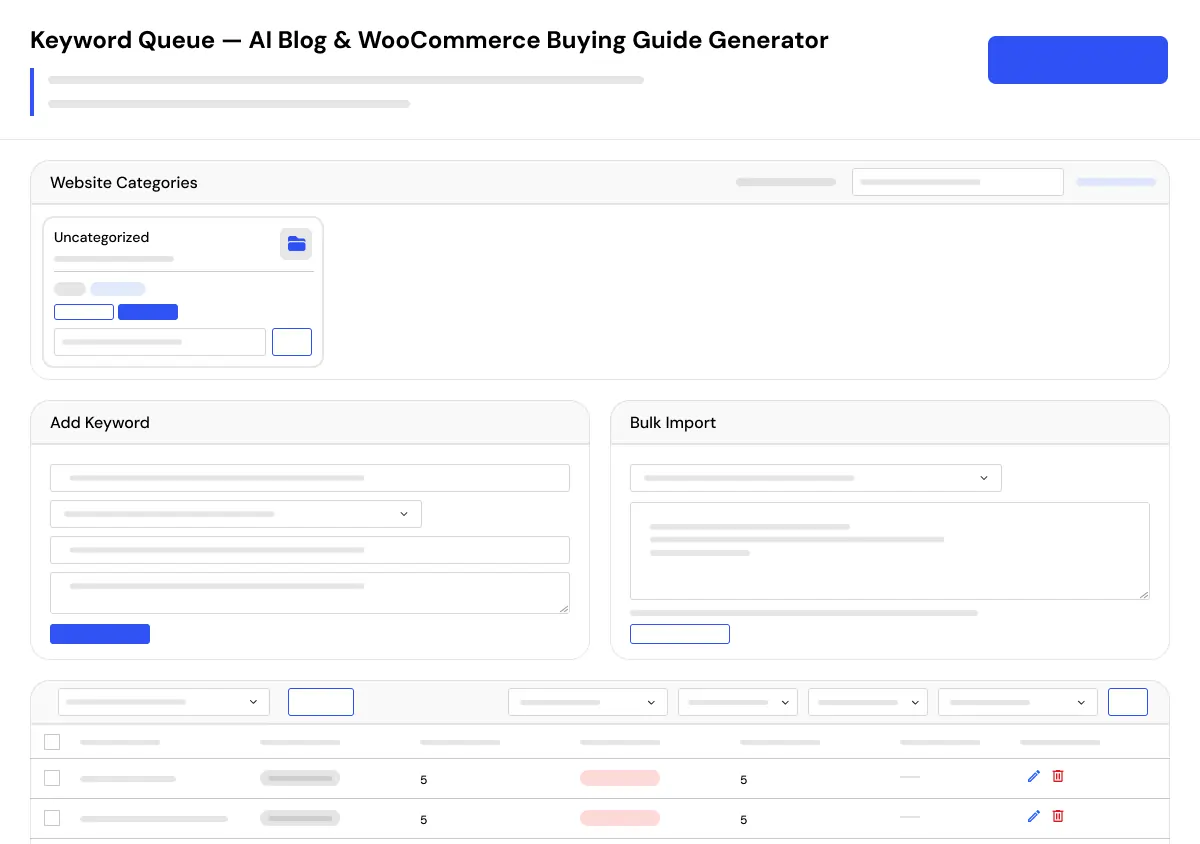
Manage a prioritized list of target keywords for automated article generation.
- Add keywords individually
- Import keywords in bulk
- Track keyword status as pending, used, failed, or skipped
- Assign categories to keywords
- Set keyword priority levels
- Delete, reset, or bulk-manage queued keywords
- Fill the queue from selected categories
- Auto-refill the queue when pending keywords fall below a configured threshold
- Filter keywords by status
- Search keyword records
WooCommerce Buying Guide Generator
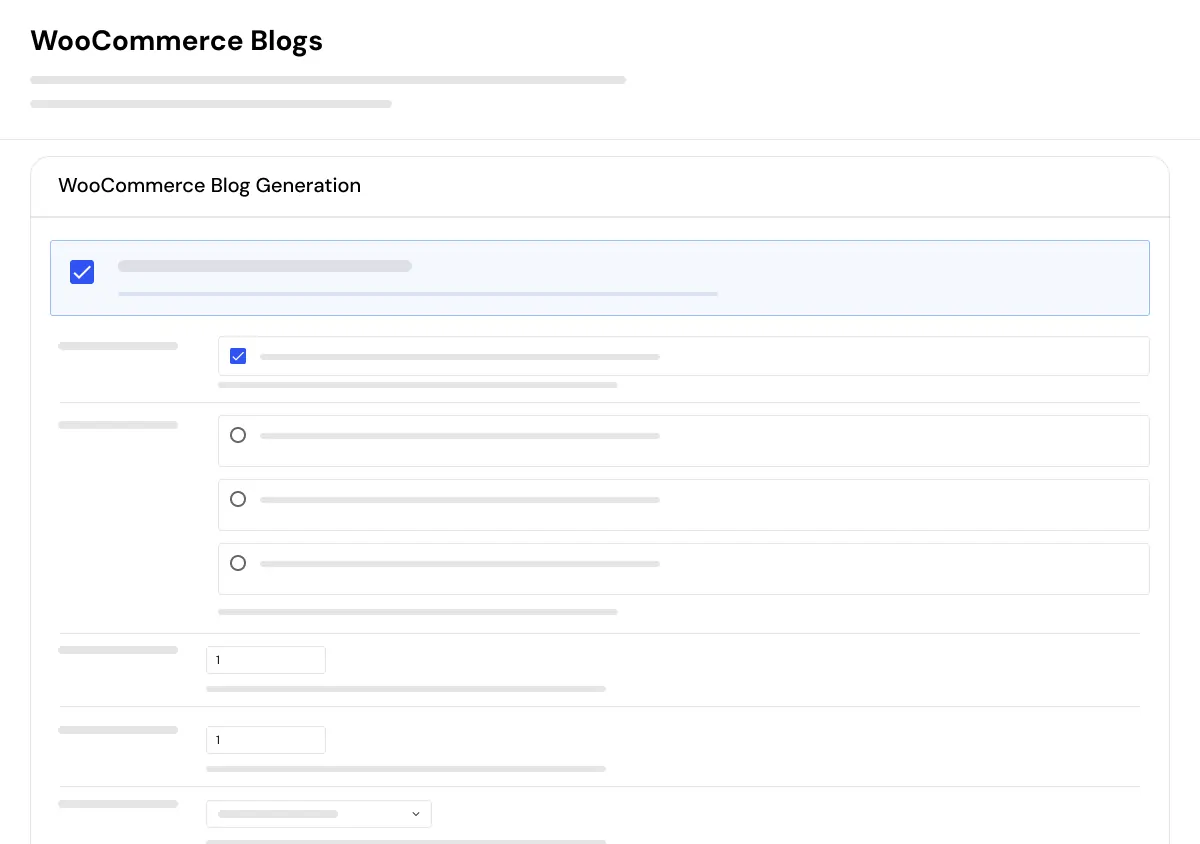
Create buyer-focused guides and product-related blog content using WooCommerce product and category data.
- Sync WooCommerce product keywords into the queue
- Sync WooCommerce category keywords into the queue
- Use product names as generation context
- Use product descriptions as generation context
- Use product attributes as generation context
- Create product-focused blog content
- Create category-based buying guides
- Support product discovery content
- Help build educational content around store categories and products
Multi-Step AI Article Generator
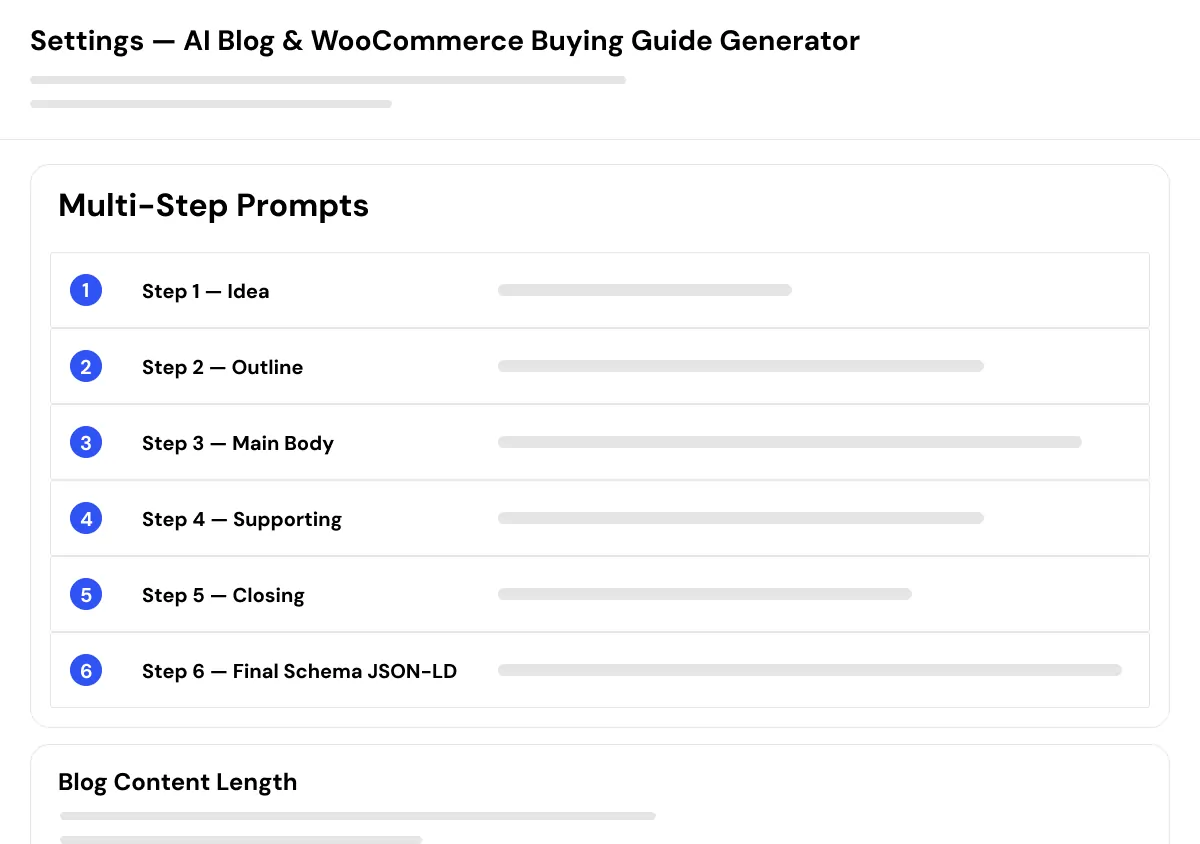
Generate long-form articles through a structured AI content-generation workflow.
- Generate an article plan
- Create an opening section with Quick Answer and Key Takeaways
- Generate H2 and H3 content sections
- Generate supporting content such as best practices, common mistakes, and tools
- Generate FAQ sections
- Generate conclusion content
- Generate SEO title and meta description
- Generate schema markup
- Choose short, medium, or long content length
- Use configurable prompts and generation settings
AI FAQ Generator
Generate structured FAQs for blog posts, product buying guides, and keyword-based content.
- Create question-and-answer content for target keywords
- Generate buying-guide FAQs
- Create product-focused FAQ content
- Add helpful supporting information
- Build FAQ sections for WordPress articles
- Generate FAQ schema-ready content structures
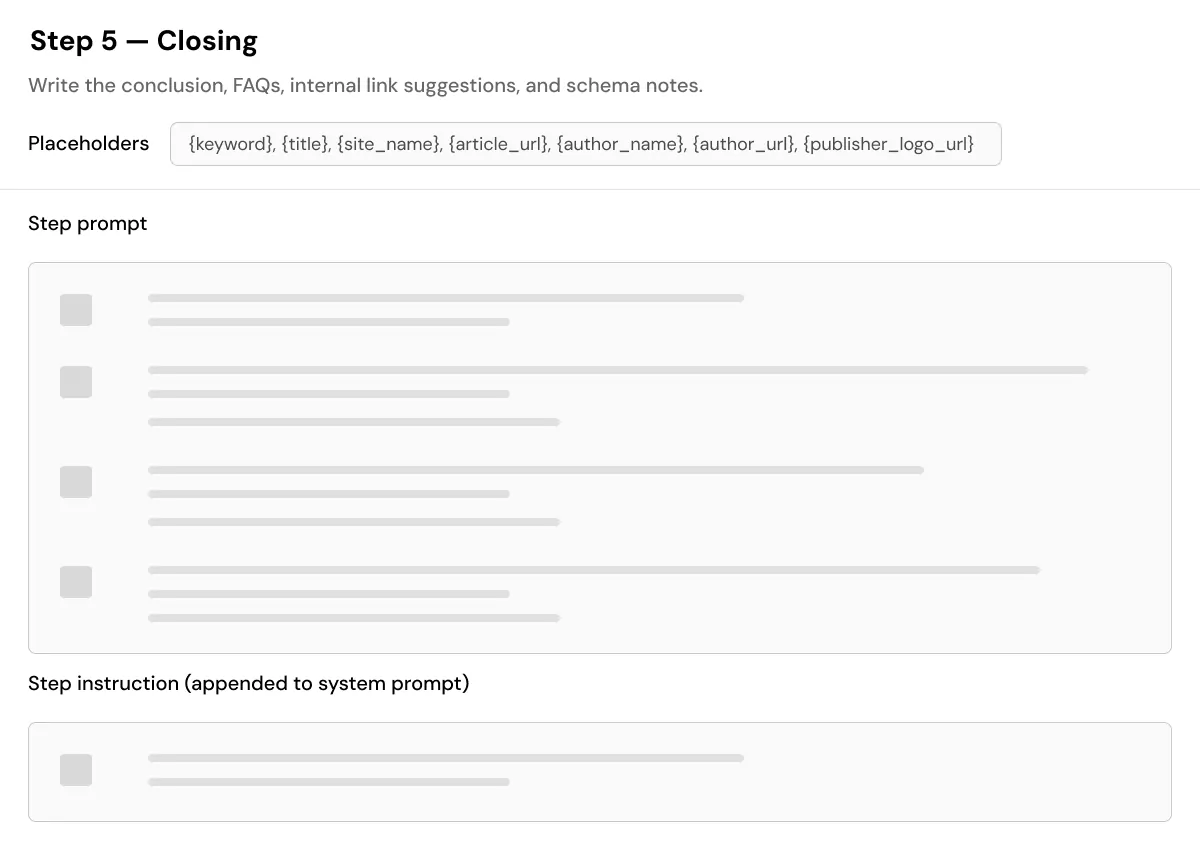
SEO & Schema Content Generator
Generate SEO fields and structured data for each generated WordPress post.
- Generate SEO titles
- Generate meta descriptions
- Generate focus keywords
- Write focus keyword data to supported SEO plugins
- Support Yoast SEO
- Support Rank Math
- Support All in One SEO
- Support custom meta keys
- Generate JSON-LD schema markup
- Store schema markup per post
- Output configured schema markup in the page header
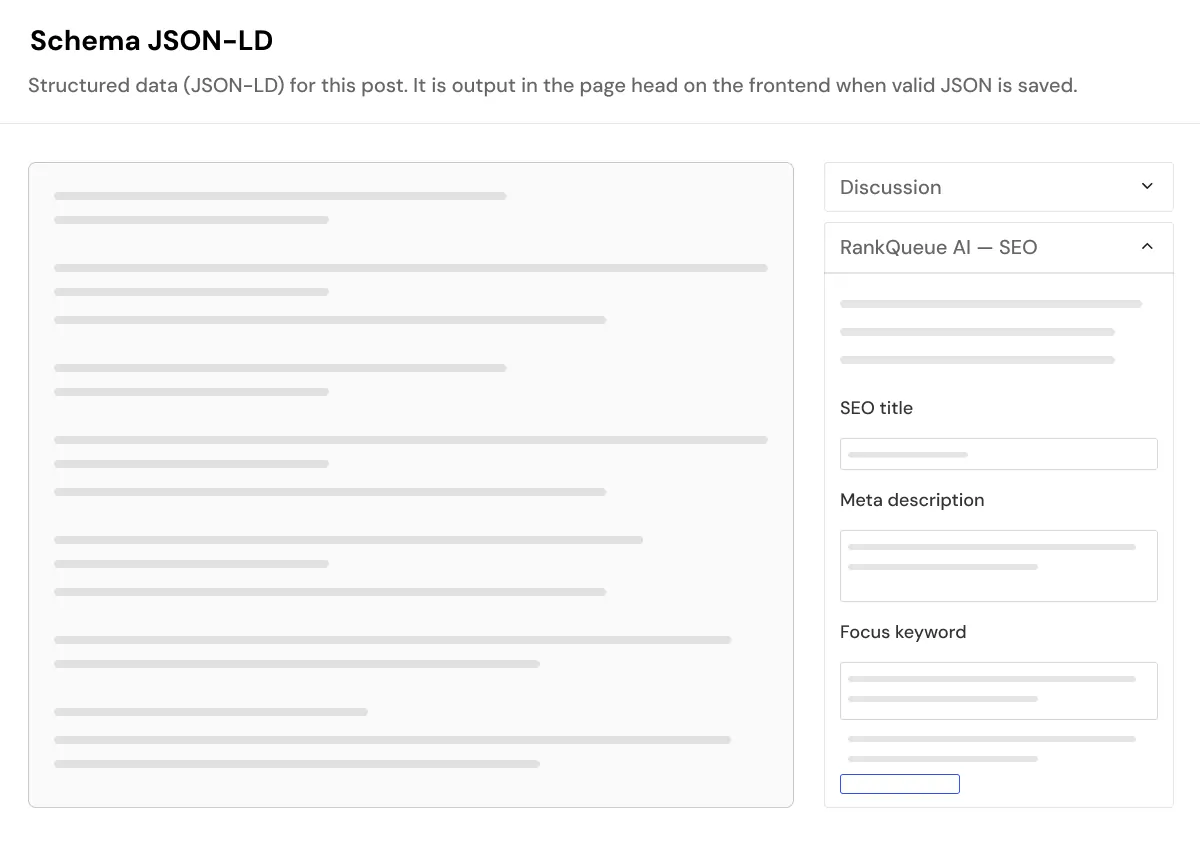
AI Featured Image Generator
Generate featured images and optional inline visuals for AI-created articles.
- Generate AI featured images through configured providers
- Support OpenAI image generation
- Support Google image generation
- Use customizable image prompt templates
- Configure image size
- Process images in the background
- Continue article publishing without waiting for image processing
- Add optional inline images inside article content
- Improve visual presentation for blogs and buying guides
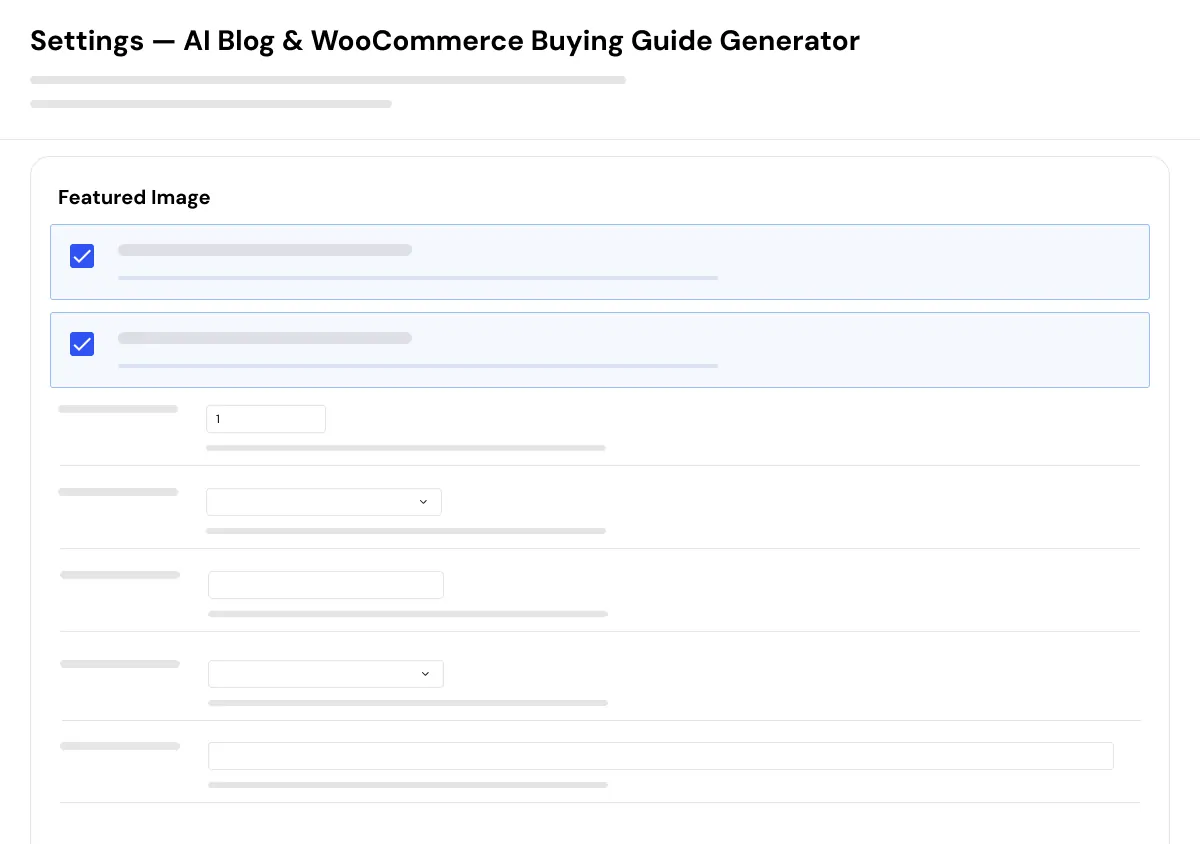
Automated Daily Publishing
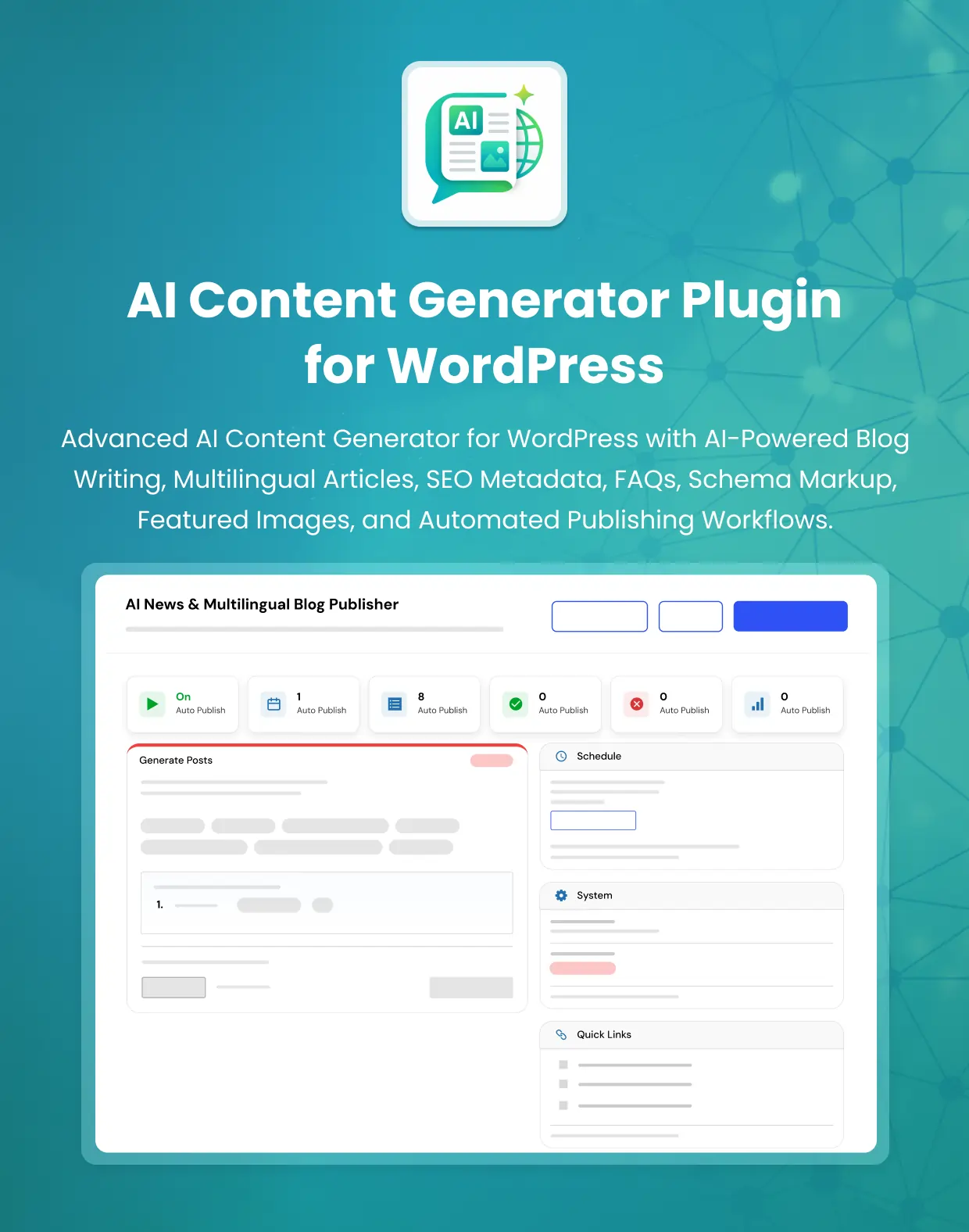
Schedule article creation and publishing through a configurable daily WordPress workflow.
- Set a daily publishing time
- Set the number of posts to generate per run
- Choose publish status as publish, draft, or pending
- Assign a post author
- Assign categories per run
- Use Manual Run Now for immediate generation
- Review generation logs
- Track generation status
- View timestamps and error details
- Control automated publishing activity from one place
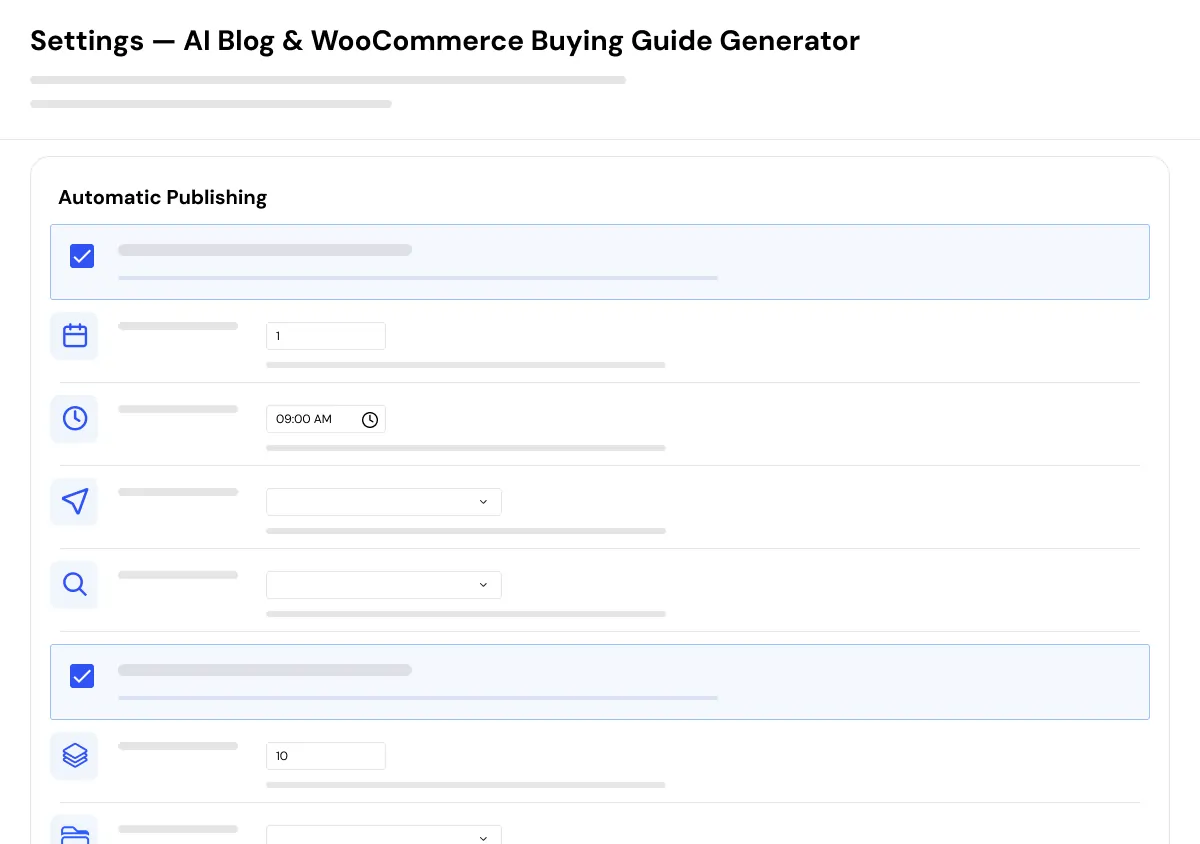
Multi-Provider AI Support
Connect the AI provider that fits your content-generation workflow.
- Connect OpenAI directly
- Connect Anthropic directly
- Connect Google AI directly
- Configure available AI models
- Configure temperature settings
- Configure maximum token limits
- Add custom system prompts
- Use provider settings without a separate third-party AI bridge plugin
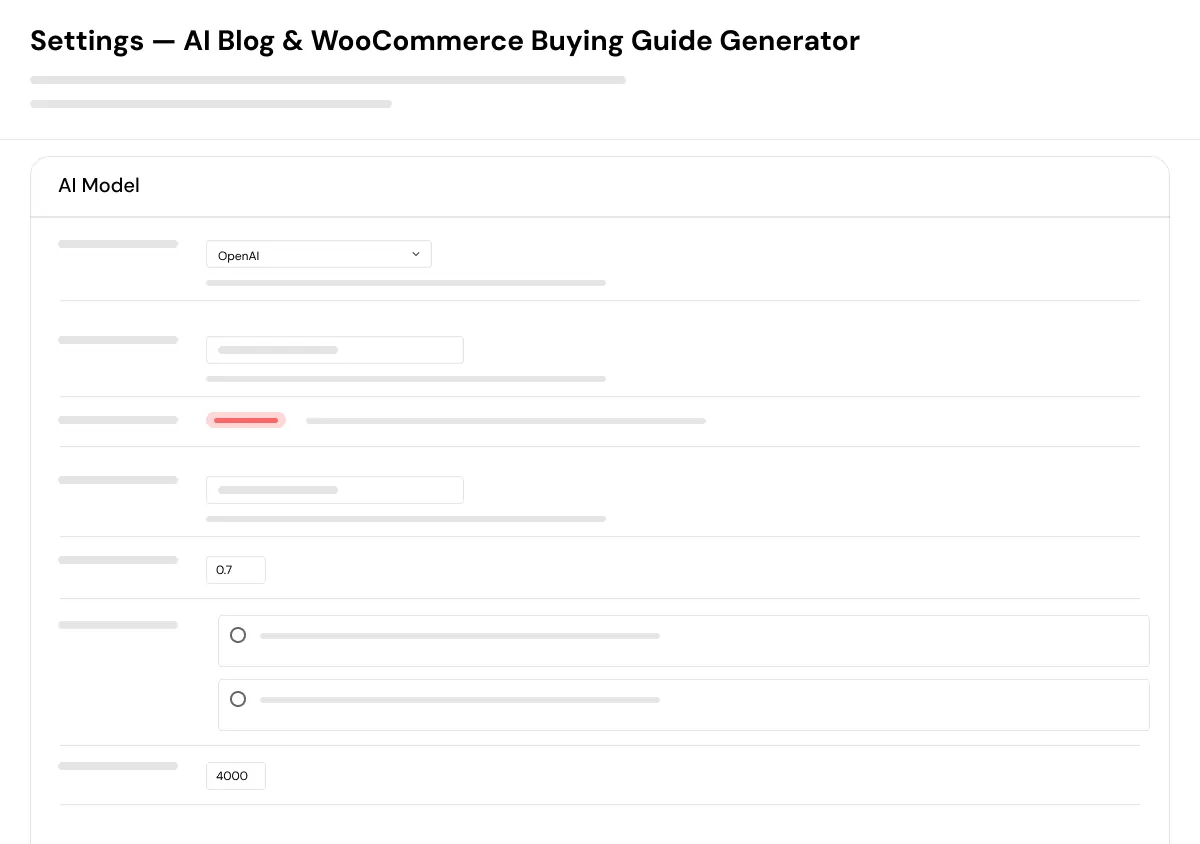
Admin & Advanced Settings
AI Blog & WooCommerce Buying Guide Generator provides centralized WordPress administration for managing AI content generation, keyword planning, product-context workflows, publishing schedules, SEO integration, schema output, image generation, and provider settings.
Administrators can configure how topics enter the queue, how articles are generated, which provider is used, how posts are saved, how WooCommerce context is applied, which SEO metadata fields are updated, and whether generated posts are published immediately or routed through review.
The configuration covers:
- AI provider API settings
- Provider model selection
- Temperature and token-limit settings
- Custom system prompts
- Keyword queue priority levels
- Keyword status management
- Category assignment
- Bulk keyword import
- Queue refill thresholds
- Queue mode and Smart mode
- WooCommerce product keyword synchronization
- WooCommerce category keyword synchronization
- Product description and attribute context
- Article length preferences
- Multi-step article generation settings
- FAQ generation settings
- SEO title, meta description, and focus-keyword output
- Yoast SEO integration
- Rank Math integration
- All in One SEO integration
- Custom meta-key support
- JSON-LD schema storage and output
- AI featured-image settings
- Inline image settings
- Image prompt templates
- Image-size configuration
- Background image processing
- Daily publishing schedule
- Posts-per-run settings
- Draft, pending, and publish workflows
- Post author assignment
- Category assignment
- Manual Run Now action
- Generation activity logs
- Error details and timestamp tracking
Specifications
| Product Type | 1.0.0 |
| Primary Use | WordPress AI Content Generator |
| Compatible With | WordPress 6.0+ |
| PHP Requirement | PHP 8.0+ |
| WooCommerce | Optional — WooCommerce features activate when WooCommerce is active |
| AI Providers | OpenAI · Anthropic · Google AI |
| SEO Plugin Support | Yoast SEO · Rank Math · All in One SEO · Custom Meta Keys |
| Content Types | Blog Posts · WooCommerce Buying Guides · Product-Focused Articles · Category Guides · FAQs |
| Generation Workflow | Multi-Step Article Generation |
| Topic Management | Keyword Queue · Priority Levels · Status Tracking · Bulk Import · Smart Mode |
| Publishing Options | Draft · Pending · Publish · Daily Scheduled Publishing · Manual Run Now |
| Content Output | WordPress Posts · Gutenberg-Compatible Block Output |
| SEO Output | SEO Title · Meta Description · Focus Keyword |
| Schema Output | JSON-LD Schema Markup Stored Per Post |
| Image Output | AI Featured Images · Optional Inline Content Images |
| WooCommerce Context | Product Name · Description · Attributes · Categories |
| Activity Tracking | Generation Logs · Status · Timestamps · Error Details |
| Plugin Technical Name | [Add Plugin Technical Name] |
| License | [Add License] |
| Price | [Add Price] |
| Installation | Install in a compatible WordPress environment |
| Documentation | [Confirm Documentation Availability] |
| Last Updated | [Add Date] |
How to Set Up AI Blog & WooCommerce Buying Guide Generator
01
Install and Activate the Plugin
Install AI Blog & WooCommerce Buying Guide Generator in a compatible WordPress environment.
Result: The plugin dashboard, keyword queue, AI settings, and publishing tools become available.
Result: The plugin dashboard, keyword queue, AI settings, and publishing tools become available.
02
Connect an AI Provider
Add your OpenAI, Anthropic, or Google AI provider credentials, then select model settings, temperature, token limits, and optional system prompts.
Result: The plugin can send configured article-generation requests through your selected provider.
Result: The plugin can send configured article-generation requests through your selected provider.
03
Configure SEO, Schema, and Image Settings
Select your SEO plugin integration, configure metadata fields, review schema settings, and set featured-image or inline-image preferences.
Result: Generated posts can include configured SEO fields, schema markup, and optional images.
Result: Generated posts can include configured SEO fields, schema markup, and optional images.
04
Add Keywords to the Queue
Add target keywords manually, import them in bulk, or fill the queue using WordPress or WooCommerce category content.
Result: The plugin has a prioritized list of content topics to process.
Result: The plugin has a prioritized list of content topics to process.
05
Configure WooCommerce Buying Guide Context
Activate WooCommerce, sync product or category keywords, and configure how product names, descriptions, and attributes are used in generated content.
Result: Buying guides can use available WooCommerce product context during generation.
Result: Buying guides can use available WooCommerce product context during generation.
06
Select Queue Mode or Smart Mode
Choose whether the plugin should process keywords by priority order or select topics from the available keyword pool.
Result: Content generation follows your preferred topic-selection workflow.
Result: Content generation follows your preferred topic-selection workflow.
07
Choose Publishing and Review Settings
Set daily publishing time, post count, author, category, and post status such as draft, pending, or publish.
Result: Content can be reviewed before publication or published through your configured schedule.
Result: Content can be reviewed before publication or published through your configured schedule.
08
Review Generated Content Before Publishing
Check article claims, product information, links, pricing references, images, metadata, schema markup, and overall usefulness before publication.
Result: Your published content remains aligned with your brand, product catalog, editorial standards, and customer needs.
Result: Your published content remains aligned with your brand, product catalog, editorial standards, and customer needs.
Who Is This Plugin For?
This plugin is suitable for:
- WooCommerce store owners building product-focused blog content
- Online businesses creating buying guides and comparison articles
- Bloggers who need a keyword queue and scheduled publishing workflow
- Content marketers managing regular WordPress article production
- Agencies producing content workflows for WordPress clients
- Store owners who want WooCommerce product and category context in articles
- SEO teams that need metadata, FAQ content, and schema generation support
- Businesses using OpenAI, Anthropic, or Google AI providers
- Teams that prefer draft or pending review before publishing content
- Developers extending WordPress content workflows with AI-assisted generation
This plugin is not suitable for fully unattended publishing of sensitive, regulated, financial, legal, medical, safety-critical, or fact-sensitive content. Human review and verification are required before publishing such content.
Changelog
v1.0.0 — Initial Release
- - Initial release with keyword queue management
- - Priority and status tracking
- - Smart topic selection
- - Queue auto-refill
- - Multi-step AI article generation
- - WooCommerce product and category buying guides
- - AI FAQ generation
- - SEO metadata integration
- - JSON-LD schema markup
- - Featured image generation
- - Inline image generation
- - Gutenberg-compatible block output
- - Daily publishing schedules
- - Generation logs
- - OpenAI, Anthropic, and Google AI provider support.
Customers Reviews
See what store owners are saying about performance and results.
What is AI Blog & WooCommerce Buying Guide Generator?
AI Blog & WooCommerce Buying Guide Generator is a WordPress AI content plugin that helps create blog posts, buying guides, product-focused articles, FAQs, SEO metadata, schema markup, and optional images using a keyword queue and configurable AI providers.
How does the keyword queue work?
You add target keywords to the queue, assign priority and category settings, then generate content manually or through a scheduled workflow. Keywords can be tracked as pending, used, failed, or skipped. You can also use Smart mode to let the configured AI workflow select topics from the available keyword pool.
Can it generate WooCommerce buying guides?
Yes. When WooCommerce is active, the plugin can sync product and category keywords into the queue and use product names, descriptions, and attributes as context for buying guides and product-focused articles.
Is WooCommerce required?
No. The core keyword queue and WordPress article-generation features work without WooCommerce. WooCommerce-specific buying-guide and product-context features activate when WooCommerce is installed and active.
What is the difference between Queue Mode and Smart Mode?
Queue Mode processes keywords in priority order. Smart Mode allows the configured AI workflow to select topics from the available pending keyword pool based on your setup.
Does the plugin support multiple AI providers?
Yes. It supports direct AI provider configuration for OpenAI, Anthropic, and Google AI. You can configure the available model, temperature, maximum tokens, and custom system prompts.
Can it generate SEO metadata and schema markup?
Yes. The plugin can generate SEO titles, meta descriptions, focus keywords, and JSON-LD schema markup. It supports Yoast SEO, Rank Math, All in One SEO, and custom meta-key workflows.
Can it publish articles automatically?
Yes. You can configure a daily publishing schedule, choose the post count, assign authors and categories, and select publish, draft, or pending status. A Manual Run Now action is also available for immediate generation.
Can I review AI content before it goes live?
Yes. Set generated content to draft or pending status so your team can review, edit, fact-check, add first-hand expertise, verify product details, and approve the final post before publication.
Does it generate featured images?
Yes. The plugin supports AI-generated featured images through configured OpenAI or Google image-generation workflows. It also supports optional inline content images and background image processing.
Does the plugin guarantee rankings, traffic, or AI citations?
No. The plugin helps automate content production and generate structured drafts, metadata, schema, and images. Search visibility, rankings, traffic, conversion results, and AI-surface visibility depend on content quality, accuracy, product usefulness, competition, technical SEO, site reputation, and human editorial review.
Should I publish AI-generated content without review?
No. Review every generated post before publishing, especially product claims, pricing, technical information, comparisons, regulated topics, legal or medical subjects, facts, citations, and recommendations. Use draft or pending status when editorial review is required.
Be the first to review “AI Blog & WooCommerce Buying Guide Generator for WordPress”